
Blog
Basics
Discover the fundamentals of creating with Smallppt: design basics, slide structure, and essential presentation skills all in one place.
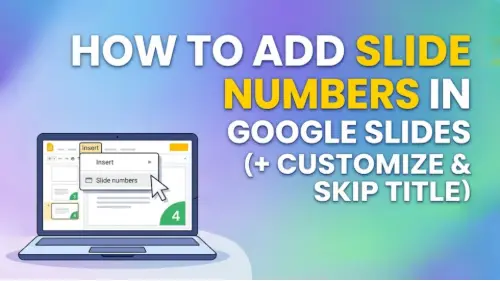
How to Add Slide Numbers in Google Slides (+ Customize & Skip Title)
How to add slide numbers in Google Slides: Insert → Slide numbers → On. Customize position, font, color, skip title slides, and "X of Y" workaround.
How to Use Google Slides Offline (+ Google Docs Offline Setup)
How to use Google Slides offline: install Google Docs Offline extension, enable in Drive settings, mark files available. Desktop and mobile steps, plus troubleshooting.
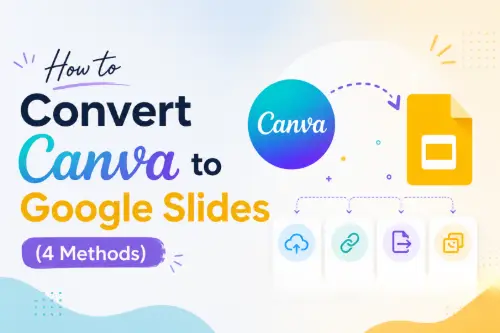
How to Convert Canva to Google Slides (4 Methods)
How to transfer Canva to Google Slides: export as .pptx → upload to Google Drive → open. Plus PNG method, Google Drive integration, and common conversion issues.
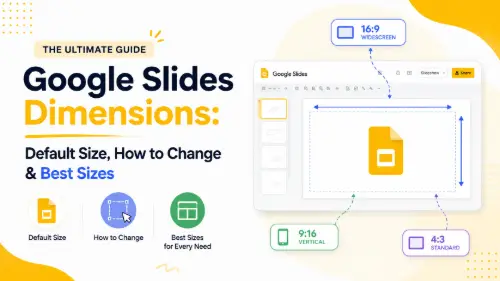
Google Slides Dimensions: Default Size, How to Change & Best Sizes
Google Slides default size: 10 × 5.625 in. How to change slide dimensions, recommended sizes for screen, print, social media, and posters.
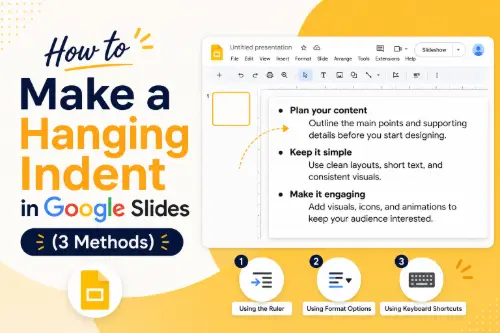
How to Make a Hanging Indent in Google Slides (3 Methods)
How to do a hanging indent in Google Slides: Format → Indentation options → Hanging. Plus ruler method, Tab shortcut, and comparison with Docs and PowerPoint.
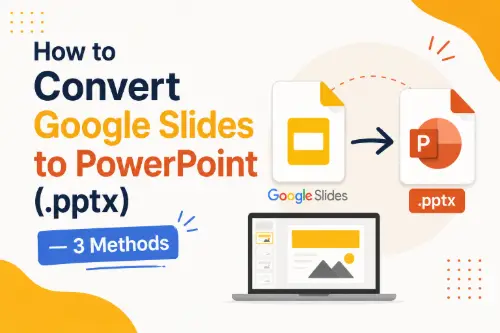
How to Convert Google Slides to PowerPoint
How to convert Google Slides to PowerPoint: File → Download → .pptx. Plus: conversion quality table, common formatting issues and fixes, and reverse conversion.
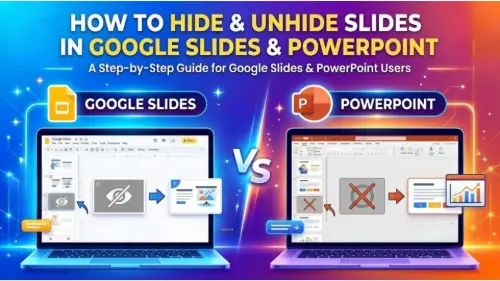
How to Hide & Unhide Slides in Google Slides and PowerPoint
How to hide a slide in Google Slides (Skip slide) and PowerPoint (Hide Slide). Unhide, hide multiple slides, visual indicators, and when to use hidden slides.
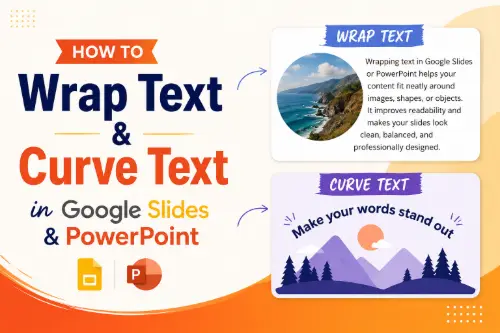
How to Wrap Text & Curve Text in Google Slides and PowerPoint
How to wrap text around images in Google Slides (workaround) and PowerPoint. Plus curved text methods, text fitting in tables, and all techniques compared.
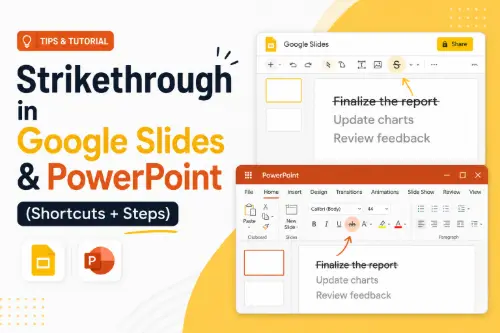
Strikethrough in Google Slides & PowerPoint (Shortcuts + Steps)
How to strike through in Google Slides and PowerPoint. Shortcuts, menu methods, custom shortcut setup, and when to use strikethrough.
How to Lock PowerPoint from Editing (+ Password Protect)
How to lock a PowerPoint from editing: Mark it as Final, set a password to modify it, encrypt it with a password, and export it as a PDF.
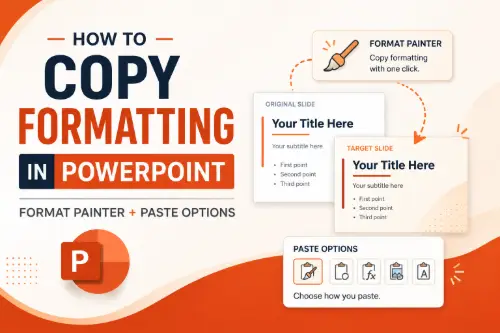
How to Copy Formatting in PowerPoint (Format Painter + Paste Options)
How to use Format Painter in PowerPoint, copy and paste formatting, make a copy of a PPT file, and all paste options explained. Double-click trick included.
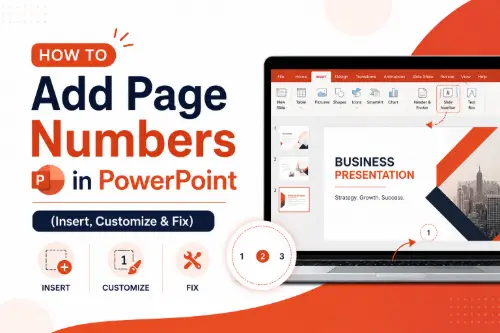
How to Add Page Numbers in PowerPoint (Insert, Customize & Fix)
How to insert slide numbers in PowerPoint: Header & Footer method, change position via Slide Master, start from any number, show "X of Y," and fix missing numbers.
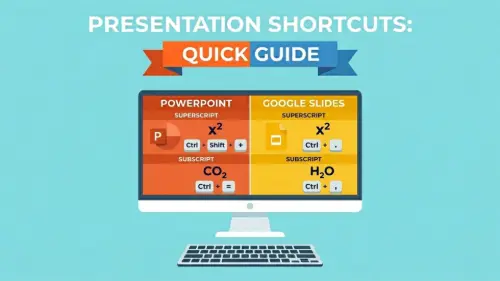
Superscript & Subscript in PowerPoint and Google Slides (Shortcuts)
How to do superscripts and subscripts in PowerPoint and Google Slides. Shortcuts, menu methods, and common uses.
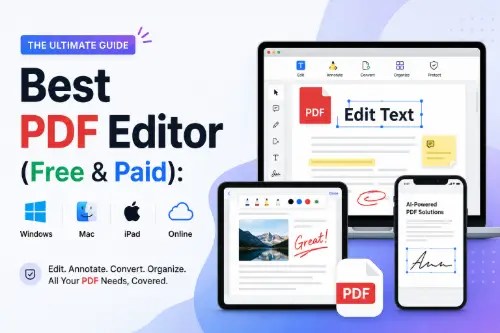
Best PDF Editor (Free & Paid): Windows, Mac, iPad & Online
Best PDF editors compared: Windows, Mac, iPad, and Google Docs. Free and paid options, plus how to edit scanned PDFs with OCR.
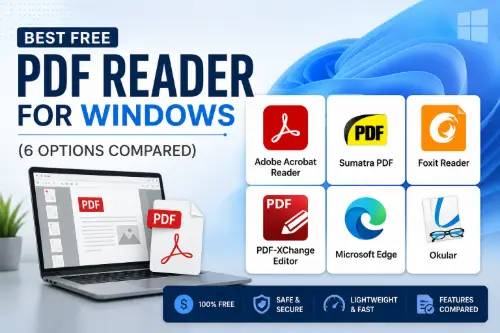
Best Free PDF Reader for Windows (6 Options Compared)
Best free PDF readers for Windows: Adobe Acrobat Reader, Sumatra PDF, Foxit Reader, PDF-XChange Editor. Compared by features, speed, and use case.
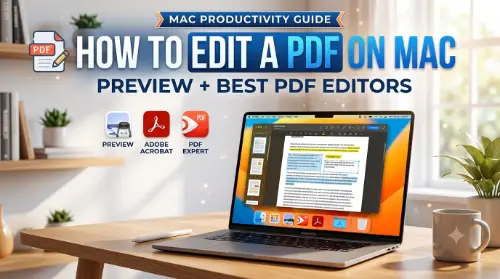
How to Edit a PDF on Mac: Preview + Best PDF Editors
How to edit a PDF on Mac: Preview (free) for annotations, forms, and signing. PDF Expert and Adobe Acrobat for text editing. Best PDF editors and converter apps compared.
How Long Is a Summary? Length Guide + How to Write One
How long a summary should be, how many paragraphs, how to write one step by step, how to summarize research findings, and the best AI summarizers.
What Is an Infographic? Types, Examples & Free Tools
What is an infographic: 8 types explained with examples. Infographic ideas for students and the best free tools to create one.
Convert Text to PDF Online Free: 5 Easy Methods
How to convert text to PDF online for free: online converters, Google Docs, Word, Print to PDF, and Notepad.
How to Reduce PDF Size (5 Free Methods)
How to make a PDF smaller: free online compressors, Adobe Acrobat, Preview on Mac, and source re-export. 5 methods compared with tips.
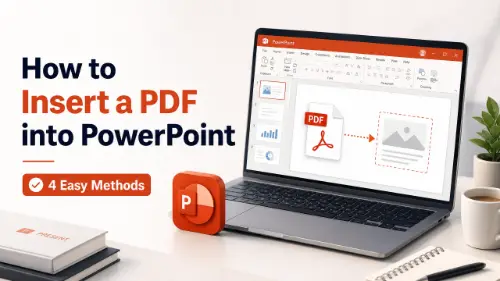
How to Insert a PDF into PowerPoint (4 Methods)
How to insert a PDF into PowerPoint: as images, as a clickable object, as converted editable slides, or via screen clipping. 4 methods compared step by step.
How to Convert PDF to JPEG (4 Free Methods)
How to save a PDF as a JPEG: free online tools, Preview on Mac, Adobe Acrobat, and screenshots. 4 methods compared with resolution tips.
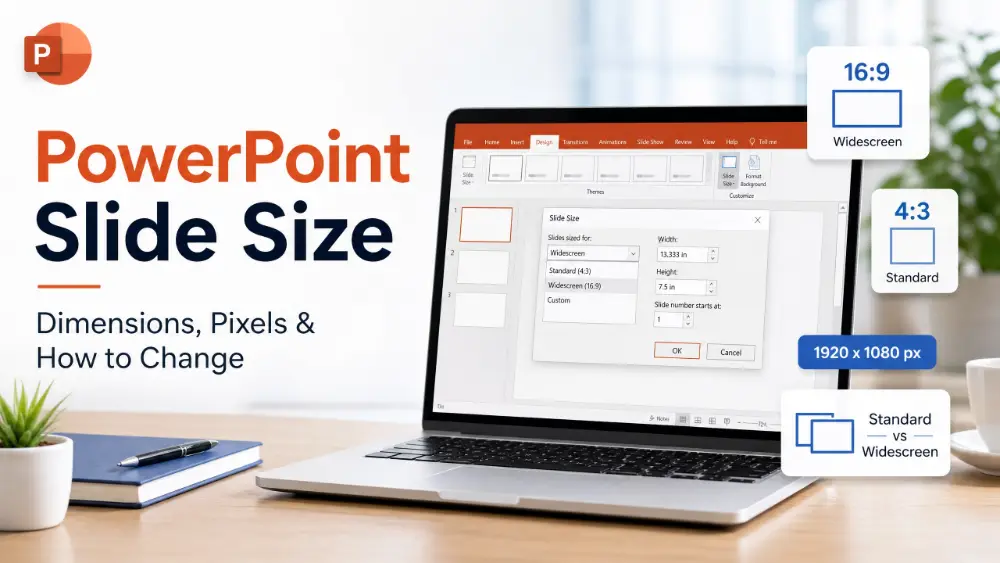
PowerPoint Slide Size: Dimensions, Pixels & How to Change
PowerPoint slide dimensions: default 16:9, Standard 4:3, and custom sizes. How to change slide size and which to use for each situation.
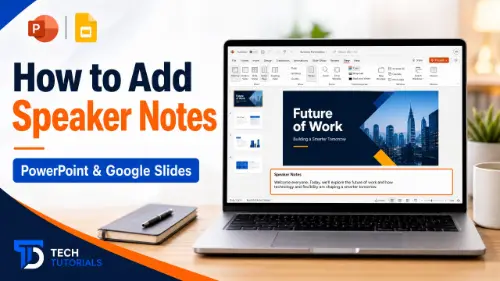
How to Add Speaker Notes in PowerPoint & Google Slides
How to add speaker notes in PowerPoint and Google Slides: step-by-step for adding, viewing in Presenter View, printing, and exporting.
- 1
- 2
- 3
