The difference between a bad AI image and a great one is almost always the prompt. Whether you're using Midjourney, DALL-E, Stable Diffusion, or any other AI image generator, learning how to write effective prompts unlocks results that look professional, intentional, and exactly what you imagined. This guide covers AI image prompts — how to write them, what makes them work, and ready-to-use examples for common use cases.

- A good AI image prompt has 5 layers: subject, style, mood/lighting, composition, and technical details.
- "A cat" gives you a generic image. "A calico cat sitting on a windowsill, soft morning light, watercolor painting style, warm palette" gives you art.
- Below: the prompt formula, 30+ ready-to-use examples, and tips for every major AI image generator.
How AI Image Generation Works (30-second version)
AI creating images from text prompts works by translating your words into visual patterns learned from millions of images. The more specific and descriptive your prompt, the more control you have over the result. Vague prompts produce generic images; precise prompts produce exactly what you need.
The 5-Layer Prompt Formula
Great image prompting follows a consistent structure. Think of it as five layers, from essential to optional:
| Layer | What to include | Example words |
|---|---|---|
| 1. Subject | The main thing in the image. Be specific. | "A golden retriever puppy," "an abandoned factory," "a woman reading." |
| 2. Style | The visual style or medium. | "Watercolor," "digital art," "cinematic photography," "3D render," "oil painting," "anime." |
| 3. Mood & Lighting | The emotional feel and light quality. | "Warm golden hour light," "moody and dramatic," "soft pastel tones," "neon glow." |
| 4. Composition | Camera angle, framing, perspective. | "Close-up," "bird's eye view," "wide shot," "centered," "rule of thirds." |
| 5. Details | Technical or aesthetic extras. | "4K," "highly detailed," "bokeh background," "minimalist," "textured." |
30+ AI Image Prompts (Ready to Use)
Professional & Business
| Prompt |
|---|
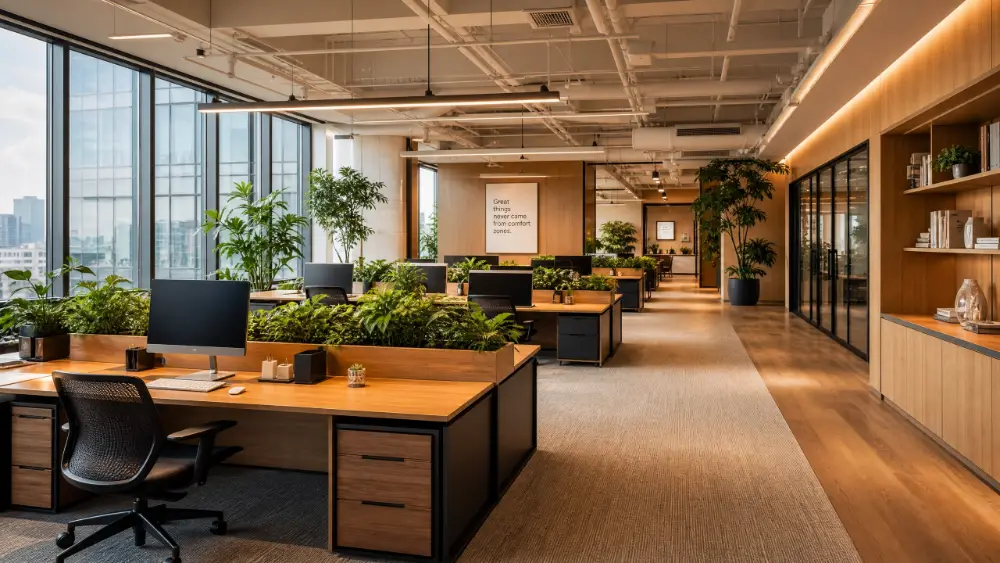
| A modern open-plan office with natural light, plants on desks, warm tones, architectural photography style, wide angle |
| Abstract geometric shapes in corporate blue and white, clean minimalist design, suitable for a presentation background |
| A diverse team brainstorming around a whiteboard, candid photo style, soft focus background, warm lighting |
| A laptop on a clean wooden desk with a coffee cup, top-down view, morning light, minimalist composition |
| Futuristic city skyline at dusk, glass buildings reflecting sunset, cinematic photography, wide shot |
Nature & Landscape
| Prompt |
|---|
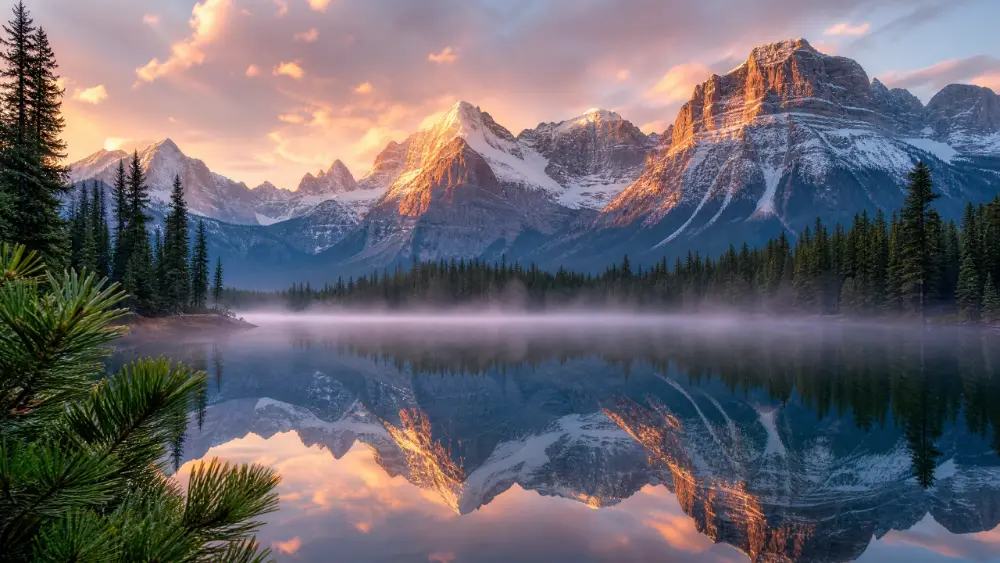
| A misty mountain lake at sunrise, pine trees reflected in still water, landscape photography, golden hour light |
| An aerial view of turquoise ocean waves crashing on white sand beach, drone photography, vivid colors |
| A single oak tree in an open field during autumn, dramatic sky, oil painting style, warm amber tones |
| Northern lights over a snow-covered landscape, long exposure photography, purple and green tones, wide angle |
| A dense tropical rainforest with sunlight filtering through the canopy, macro details on leaves, lush green palette |
Abstract & Artistic
| Prompt |
|---|
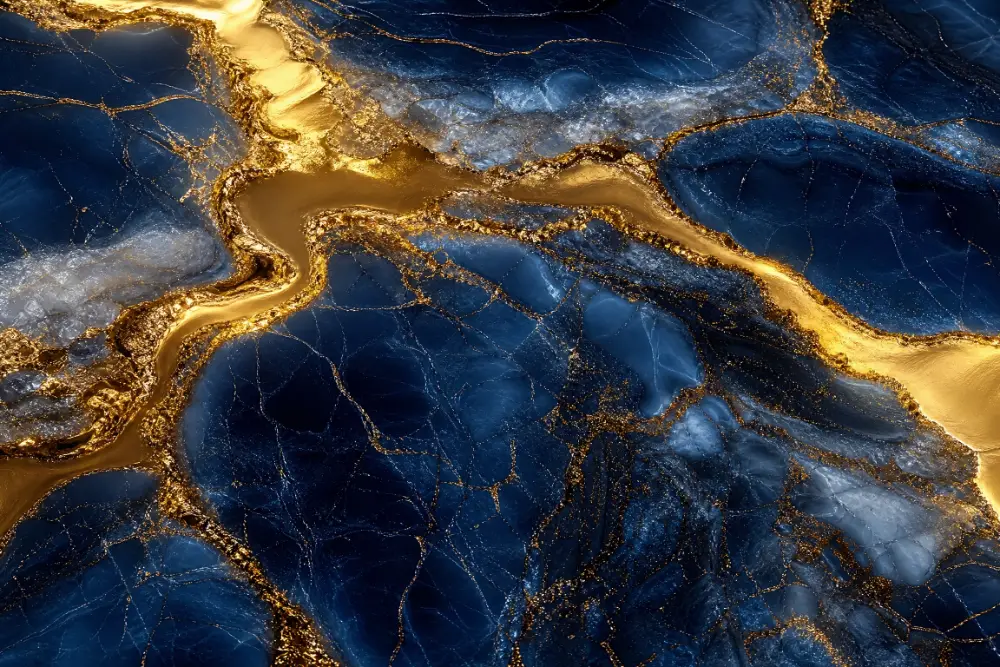
| Flowing liquid gold and deep navy blue, abstract marble texture, luxurious feel, ultra high resolution |
| Geometric patterns inspired by Art Deco, gold on black background, symmetrical, elegant |
| Watercolor splash in pastel pink, lavender, and mint, dreamy and ethereal, white background |
| A neon-lit cyberpunk alley at night, rain reflections on the ground, futuristic signs, moody atmosphere |
| Minimalist line drawing of a human face, continuous single line, black ink on white, elegant simplicity |
Food & Lifestyle
| Prompt |
|---|
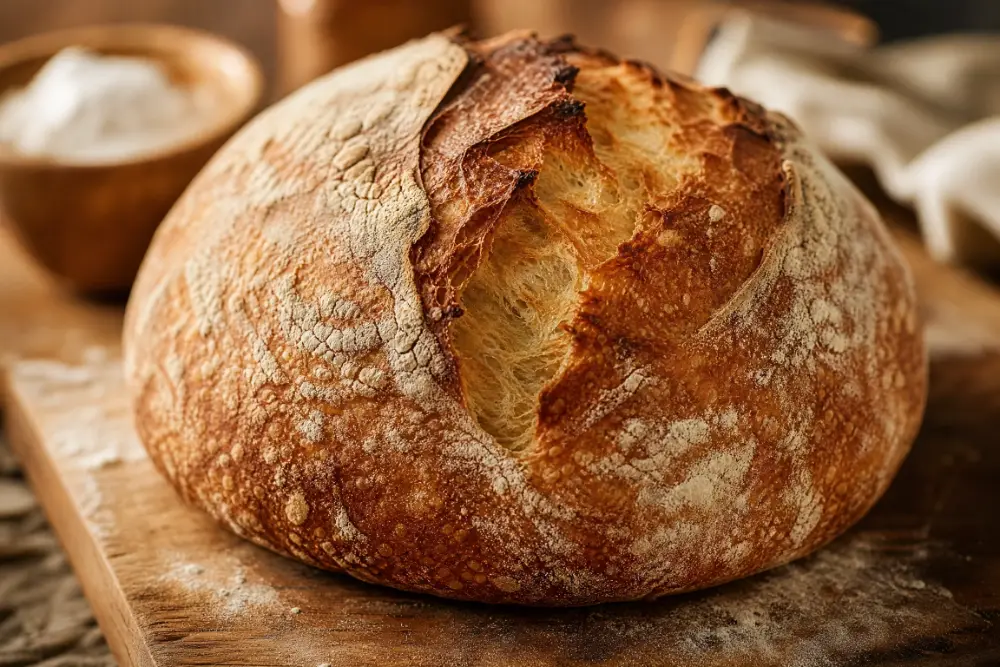
| A rustic sourdough loaf on a wooden cutting board, flour dusted, warm bakery lighting, food photography |
| A colorful smoothie bowl with berries, granola, and mint, top-down view, bright natural light, clean background |
| A cozy reading nook with a window seat, stacked books, a blanket, rainy day outside, warm lamp glow |
| A steaming cup of matcha latte with latte art, ceramic cup, minimalist café setting, soft focus |
| A flat lay of travel essentials — passport, camera, sunglasses, map — on a light wood table, editorial style |
Technology & Sci-Fi
| Prompt |
|---|
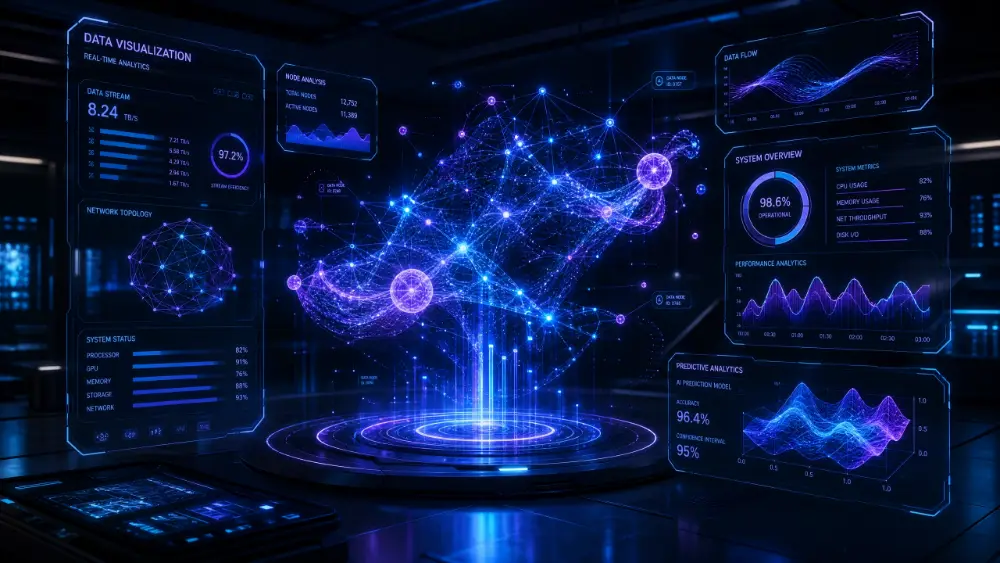
| A holographic data visualization floating in mid-air, blue and purple glow, dark background, futuristic UI |
| A robot hand reaching toward a human hand, dramatic lighting, cinematic composition, metallic textures |
| A circuit board landscape from a macro perspective, glowing pathways, teal and copper colors, sci-fi aesthetic |
| A space station orbiting Earth, stars in the background, photorealistic 3D render, NASA-style lighting |
| An AI brain made of connected light nodes, neural network visualization, dark background, blue luminescence |
Presentation Backgrounds
| Prompt |
|---|
| Soft gradient background, light blue to white, subtle paper texture, clean and professional, 16:9 aspect ratio |
| Dark navy background with subtle geometric lines, modern and corporate, space for text overlay |
| Abstract blurred bokeh in warm gold and cream tones, dreamy and elegant, suitable for title slide |
| A clean white marble texture with faint gray veining, luxury feel, neutral background for presentations |
| Soft green watercolor wash background, organic and calming, subtle texture, landscape orientation |
These prompts work across most AI image generators. For Midjourney, add parameters like --ar 16:9 (aspect ratio) or --v 6 (model version) at the end. For DALL-E, keep prompts natural and descriptive. For Stable Diffusion, add negative prompts to exclude unwanted elements.
Top AI Image Generators Compared
| Tool | Free tier | Best for |
|---|---|---|
| Midjourney | ❌ | Highest quality artistic images. Best for illustrations, concept art, and stylized visuals. |
| DALL-E (ChatGPT) | ✅ (limited) | Natural language prompts, easy to use, good for realistic and creative images. |
| Stable Diffusion | ✅ (open source) | Full control, runs locally, highly customizable. Steeper learning curve. |
| Adobe Firefly | ✅ (limited) | Commercial-safe images (trained on licensed content). Integrates with Photoshop. |
| Ideogram | ✅ | Strong at text in images, logos, and typography-heavy visuals. |
| Leonardo.ai | ✅ | Consistent characters, game art, and fine-tuned models. |
Prompting Tips
- Be specific, not vague: "A cat" → generic. "A calico cat curled up on a velvet cushion, soft window light, oil painting style" → art.
- Name a style or artist influence: "In the style of Studio Ghibli," "Wes Anderson color palette," "editorial photography" give strong visual direction.
- Describe lighting explicitly: lighting changes everything. "Golden hour," "harsh noon sun," "neon backlight," "overcast soft light" each create a completely different mood.
- Specify what you don't want: on Stable Diffusion, use negative prompts. On others, add "no text," "no people," "no watermarks" if needed.
- Iterate, don't start over: tweak one element at a time. Change the lighting, swap the style, adjust the composition — small changes reveal what the model responds to.
💡 Pro tip: If you're generating images for presentations, tools like Gamma.com.ai integrate AI image generation directly into the slide-building process — describe your slide content and the AI selects or generates matching visuals automatically, so you don't need to prompt separately.

Conclusion
Great AI image prompts follow a formula: subject + style + mood/lighting + composition + details. The more specific you are, the better the result. Use the 30+ ready-to-use prompts above as starting points, adapt them to your needs, and iterate — prompting is a skill that improves with practice. Whether you're generating visuals for a presentation, a website, or a creative project, the prompt is where quality begins.
FAQs
What makes a good AI image prompt?
A good prompt has five layers: a specific subject, a defined style (watercolor, photography, 3D render), mood and lighting (golden hour, moody, bright), composition (close-up, wide shot), and optional technical details (4K, bokeh). The more specific, the better the result.
What is the best free AI image generator?
DALL-E (via ChatGPT) offers a generous free tier with natural-language prompts. Stable Diffusion is fully free and open source but requires more technical knowledge. Leonardo.ai and Ideogram offer strong free tiers for specific use cases.
How do I write prompts for Midjourney?
Use the same 5-layer formula, then add Midjourney-specific parameters: --ar 16:9 for aspect ratio, --v 6 for model version, --stylize 100 for more artistic interpretation. Put descriptive words first, parameters at the end.
Can I use AI-generated images commercially?
It depends on the tool. Midjourney (paid plans), DALL-E (with usage policy), and Adobe Firefly (trained on licensed content) allow commercial use. Stable Diffusion is open source — commercial use depends on the model license. Always check the tool's terms of service.
How do I generate images for presentations?
Use prompts like "soft gradient background, clean and professional, 16:9 aspect ratio" for backgrounds, or describe the concept you need illustrated. Tools like Gamma.com.ai generate presentation visuals automatically as part of the slide-building process.